> ## Documentation Index
> Fetch the complete documentation index at: https://docs.open.cx/llms.txt
> Use this file to discover all available pages before exploring further.
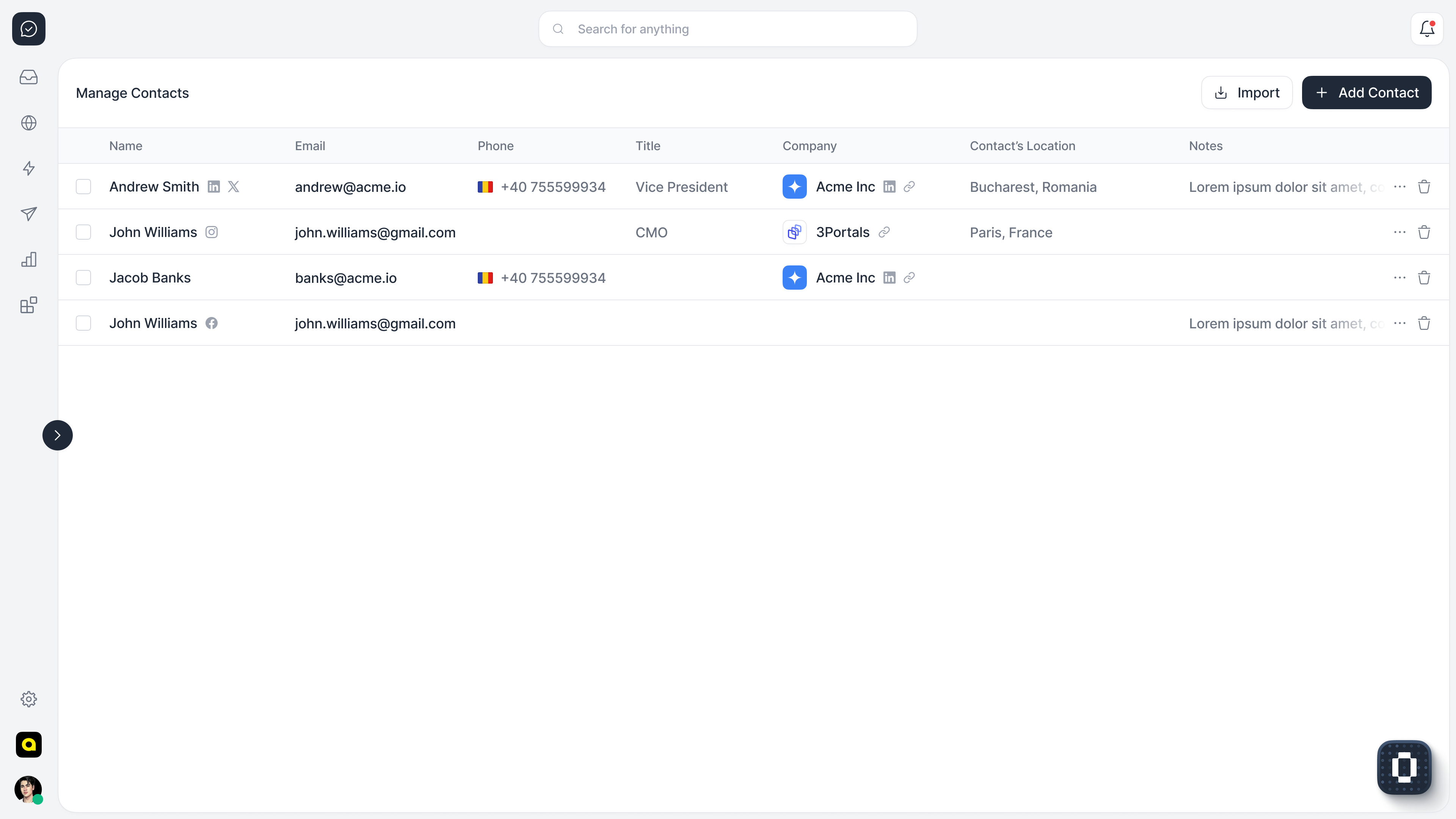
# Manage Contacts
> Learn how to manage your contacts and enrich them with our +200 million users database
 ## Terminology
## Create a contact
## Advanced Topics
***
### What is a contact?
A contact is a user that can interact with the chatbot, phone AI, or email AI. A single contact might have multiple conversations across different channels.
***
### How do I create a contact?
You can create a contact in your organization in two ways:
#### 1. Using the API
We have a simple public API that allows you to manage contacts in your organization. You can use the API to [create a contact](/api-reference/contacts/create) or to [authenticate a contact](/api-reference/widget/authenticate-contact).
#### 2. Using the widget
Whenever you embed the copilot widget in your application, you can use the widget options to create a contact. Read more about this option in the [widget documentation](/widget/introduction).
#### 3. From emails
When you send emails using our APIs, OpenCopilot will automatically create a contact for you (if it doesn't exist yet) and assign it to the conversation.
#### 4. From phone calls
When you receive (or initiate) a phone call using our APIs, OpenCopilot will automatically create a contact for you (if it doesn't exist yet) and assign it to the conversation.
***
### Adding custom data to a contact
We support attaching a phone number, email, or name to a contact. However, you can also add any custom data you want to associate with the contact. This data will be returned in the response and can be used for any purpose you want. Just make sure it's a valid JSON string object. The custom data is a simple JSON object. You can add any key-value pairs you want to it, for example:
```jsx theme={"dark"}
const widgetOptions = {
token: "your_copilot_token_goes_here",
user: {
data: {
name: "your_user_name",
email: "your_user_email",
customData: {
// any custom data you want to send to the copilot backend
avatar: "your_user_avatar_url",
phone: "your_user_phone",
key1: "value1",
balance: 100,
age: 25,
}
}
},
```
You can use the API or the widget to add custom data to a contact.
## Terminology
## Create a contact
## Advanced Topics
***
### What is a contact?
A contact is a user that can interact with the chatbot, phone AI, or email AI. A single contact might have multiple conversations across different channels.
***
### How do I create a contact?
You can create a contact in your organization in two ways:
#### 1. Using the API
We have a simple public API that allows you to manage contacts in your organization. You can use the API to [create a contact](/api-reference/contacts/create) or to [authenticate a contact](/api-reference/widget/authenticate-contact).
#### 2. Using the widget
Whenever you embed the copilot widget in your application, you can use the widget options to create a contact. Read more about this option in the [widget documentation](/widget/introduction).
#### 3. From emails
When you send emails using our APIs, OpenCopilot will automatically create a contact for you (if it doesn't exist yet) and assign it to the conversation.
#### 4. From phone calls
When you receive (or initiate) a phone call using our APIs, OpenCopilot will automatically create a contact for you (if it doesn't exist yet) and assign it to the conversation.
***
### Adding custom data to a contact
We support attaching a phone number, email, or name to a contact. However, you can also add any custom data you want to associate with the contact. This data will be returned in the response and can be used for any purpose you want. Just make sure it's a valid JSON string object. The custom data is a simple JSON object. You can add any key-value pairs you want to it, for example:
```jsx theme={"dark"}
const widgetOptions = {
token: "your_copilot_token_goes_here",
user: {
data: {
name: "your_user_name",
email: "your_user_email",
customData: {
// any custom data you want to send to the copilot backend
avatar: "your_user_avatar_url",
phone: "your_user_phone",
key1: "value1",
balance: 100,
age: 25,
}
}
},
```
You can use the API or the widget to add custom data to a contact.