

Who can use it
Only members of your partner admin org — the same org that has the Partner Admin Console — with the reports permission. Every other org gets403 Forbidden from the partner analytics endpoints; a customer org can never read another customer’s data.
The scope is exactly the console’s Connected Orgs list: every org linked to your partner account that has not been deleted. A newly connected org appears on the next query; a removed one drops out.
Ask Companion
Open Companion from your partner admin org and ask in plain language. Companion knows this org administers a partner and picks the right scope:- “Which of our customers had the most sessions this month?”
- “What’s the automation rate per connected org over the last 30 days?”
- “Which of our clients have the most handoffs, and why?”
- “Which customers are inactive, and who hasn’t set up AI yet?”
- “Which clients have the most booking links shared?”
- “What are the top contact reasons across the network?”
- “Tell me about Sea Rocket — how are they doing?”
- “Build me a dashboard of session volume, resolution rate and CSAT across all connected orgs, with a filter on our
rank-1tag.”
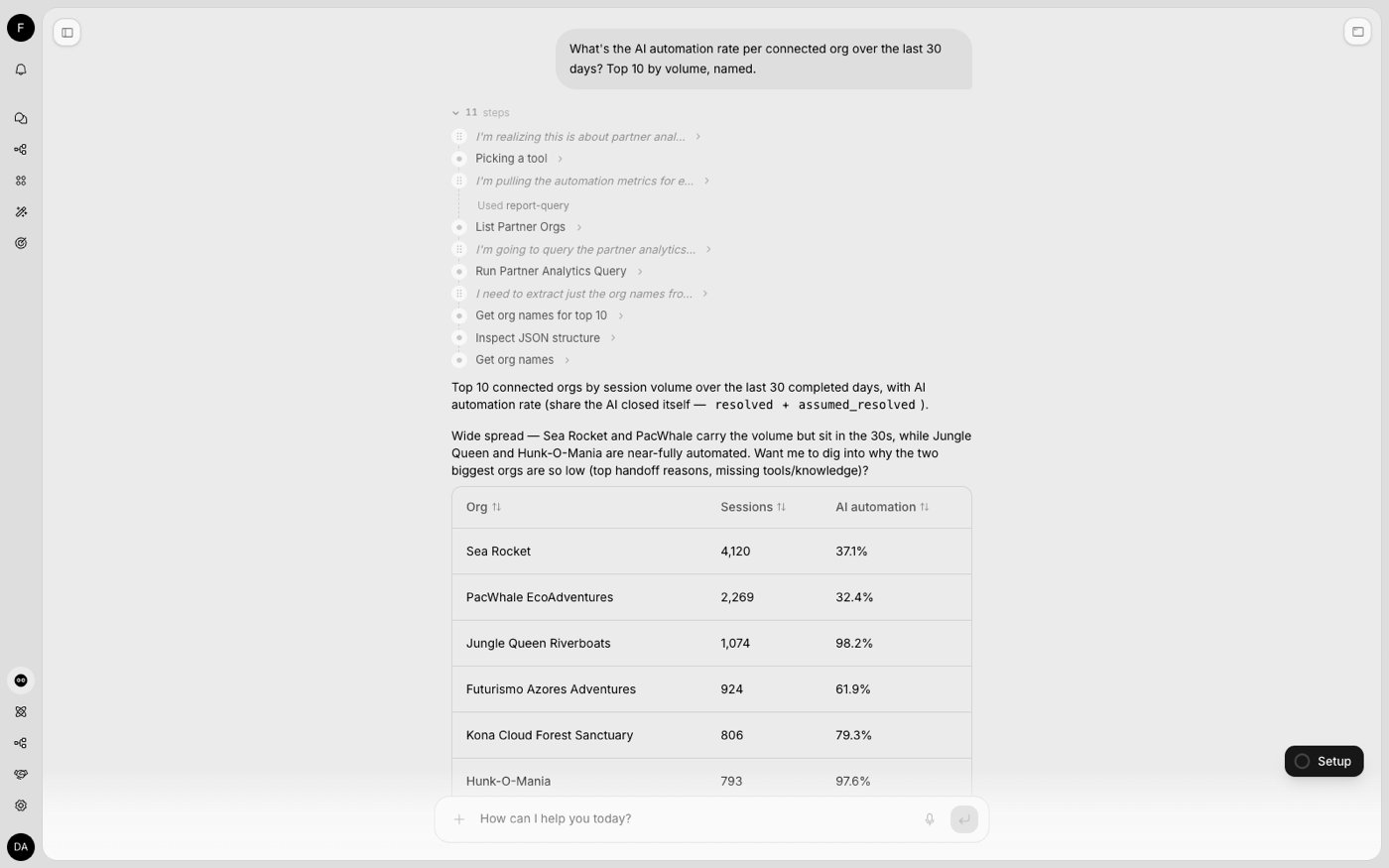
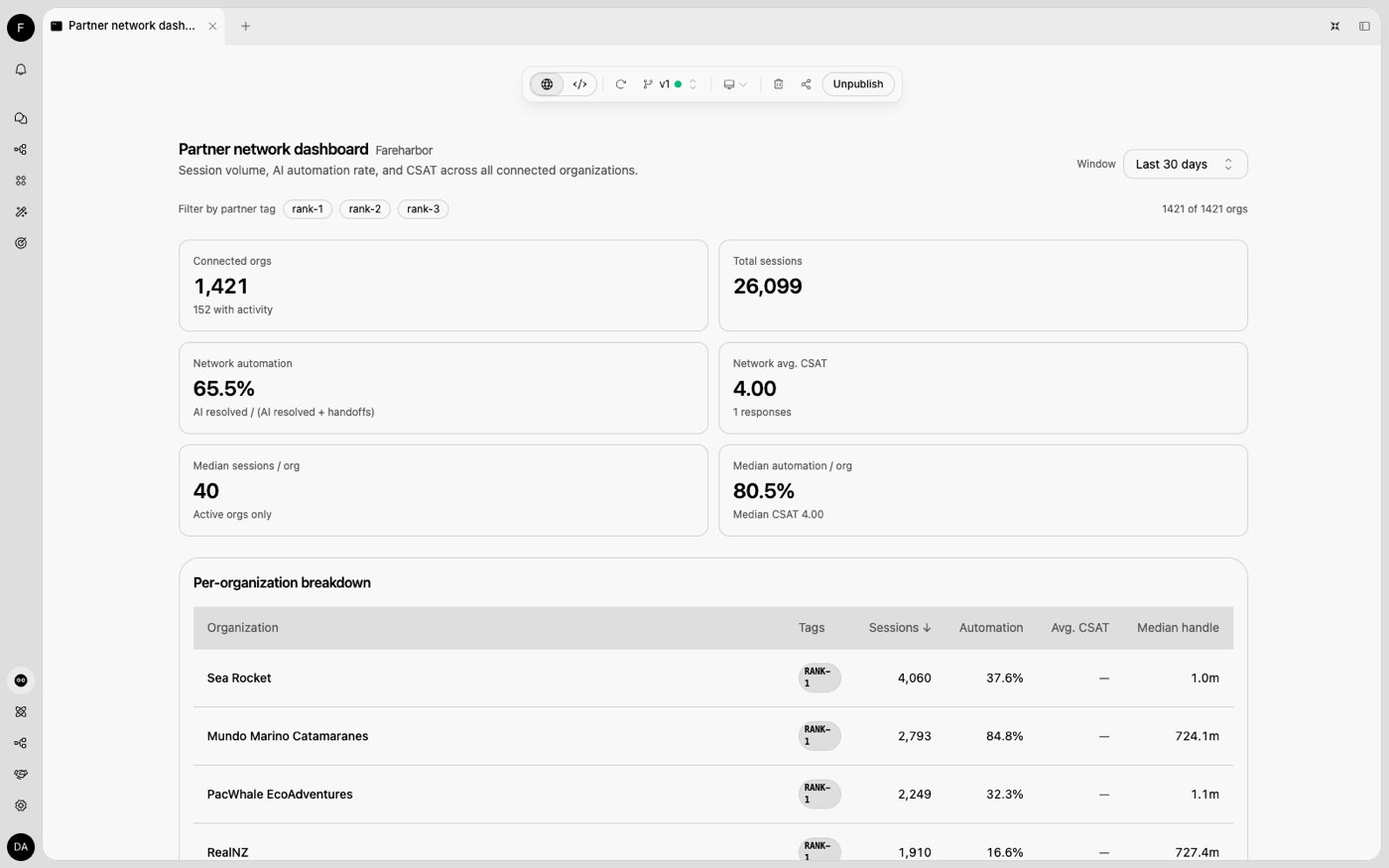
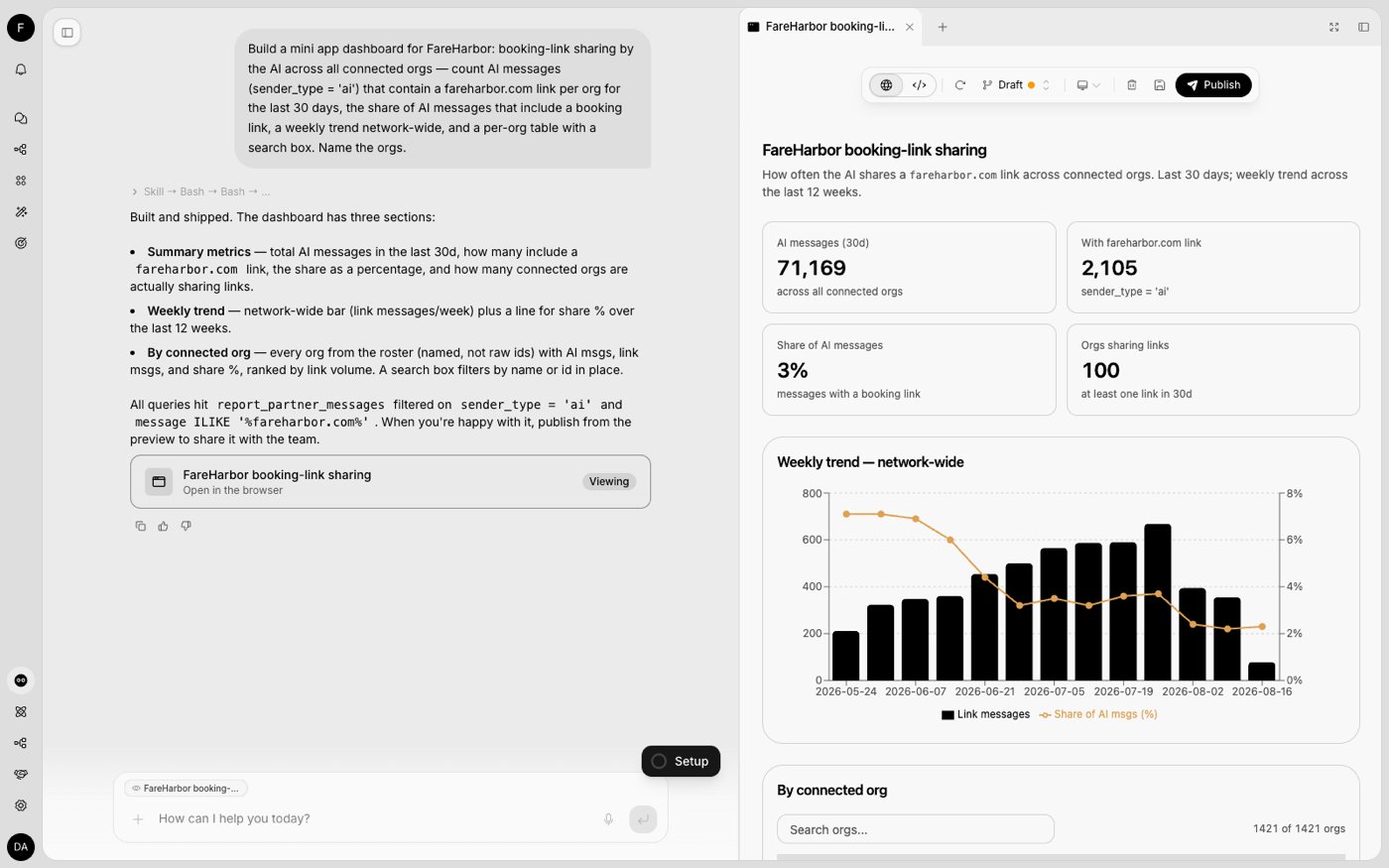
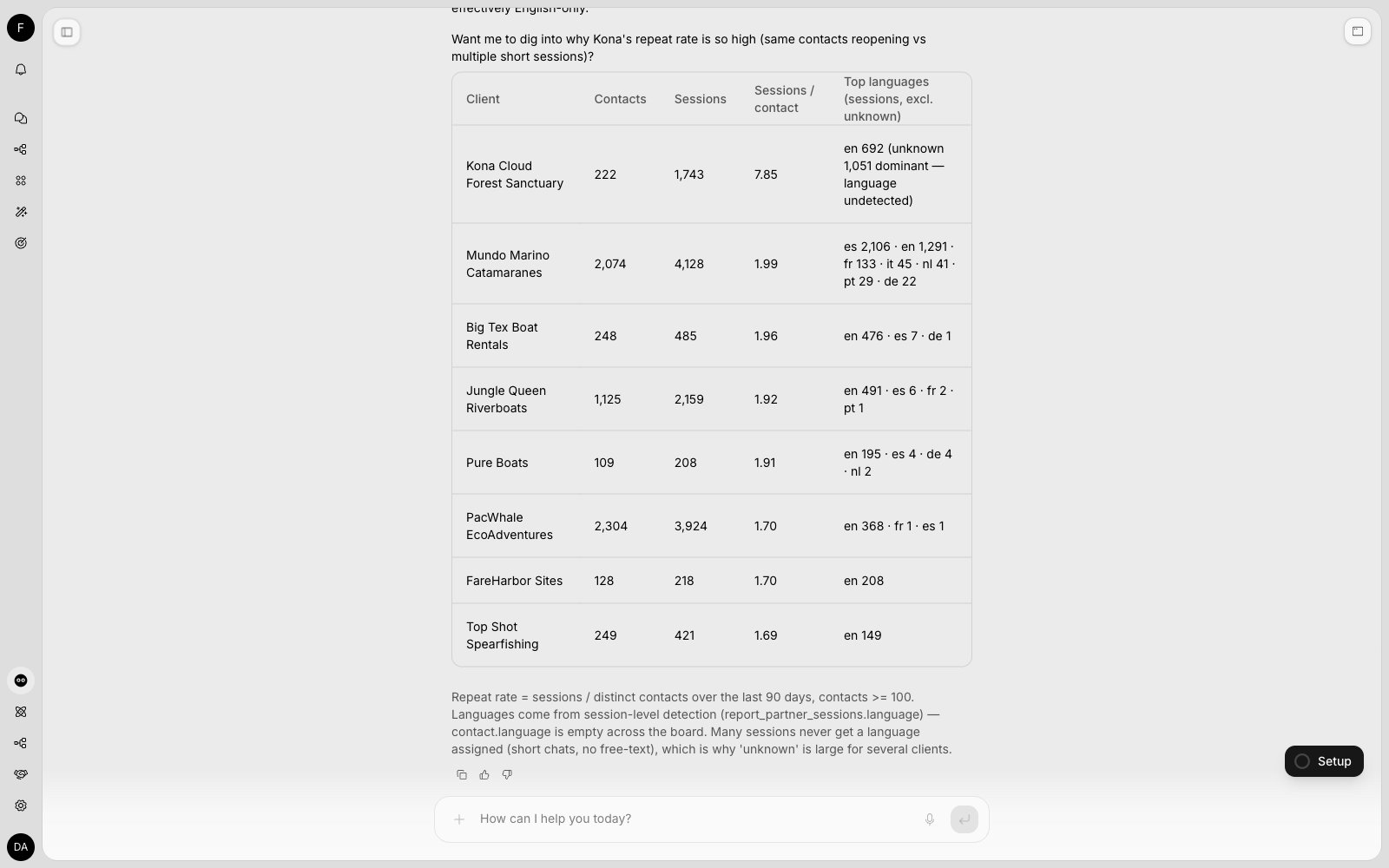
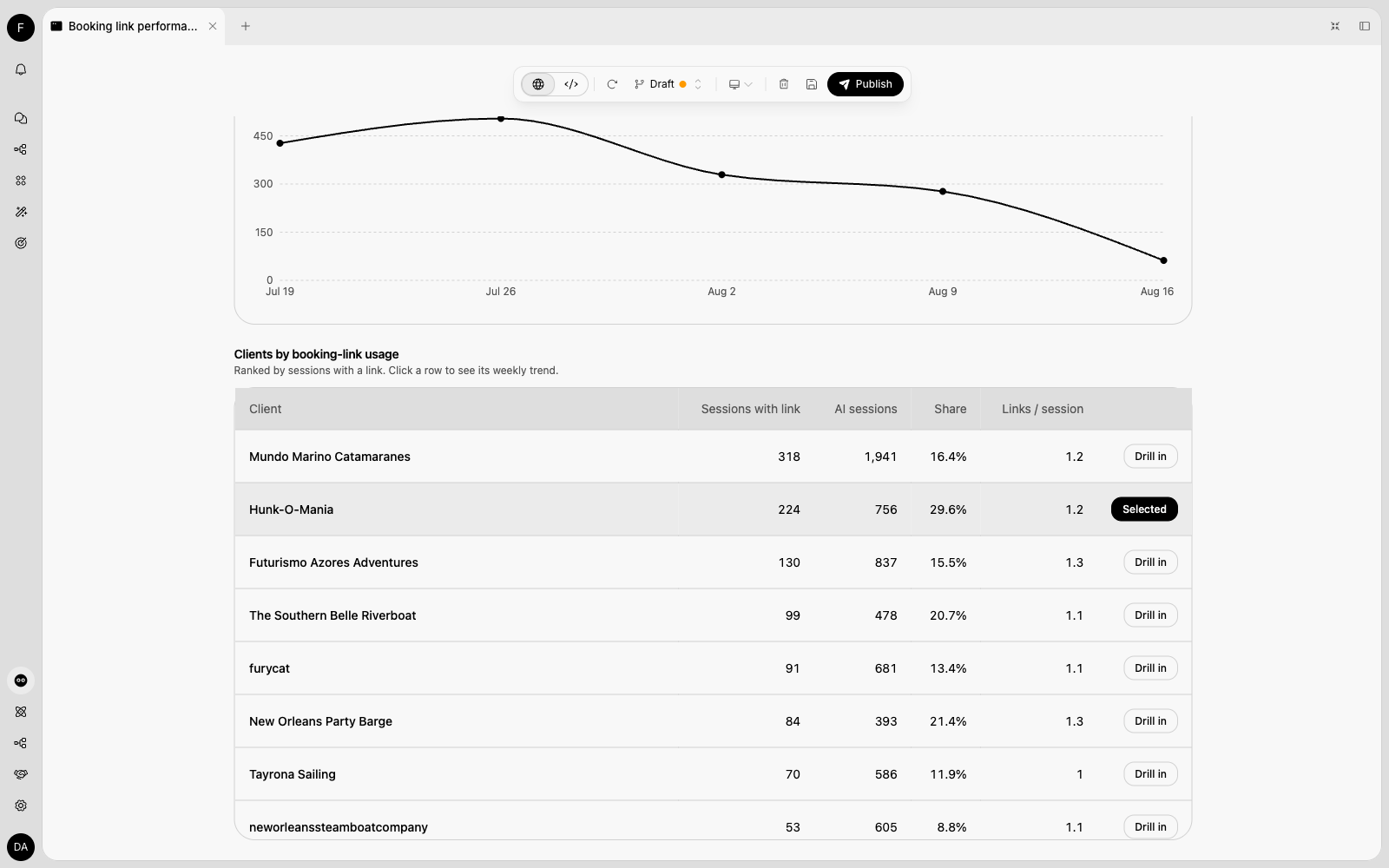
Companion distinguishes “this org’s own support desk” from “the partner network”. If a question could mean either, it asks once rather than guessing.
Public API
Three endpoints, authenticated with an org-level API key of the partner admin org holding thereports:read scope (not a Partner API key).
List connected orgs
GET /partner-analytics/orgs — the roster and the org dimension for every partner query.
external_id is the reference you supplied when provisioning the org; tags are your partner-private labels from the console.
Search connected orgs with health signals
GET /partner-analytics/orgs/search — the customer directory the Partner Admin console shows, paginated (limit ≤ 100, offset; total is the filtered count). Filter with q (name or external_id), status, tags, channels (comma-separated — tags match any, channels match all), has_ai and has_actions (true/false); sort with sort_by (created_at, name, members, data_sources, sessions_30d, total_sessions, last_session_at) and sort_dir.
health.status is new (connected less than 7 days ago, no sessions yet), setup_incomplete (no knowledge sources and no actions), inactive (no session in the last 30 days) or healthy.
Run a partner-wide analytics query
POST /partner-analytics/query — a single read-only SELECT over the partner-scoped analytics views. Same request and response contract as the org-scoped POST /reports/analytics.
report_partner_sessions, report_partner_messages, report_partner_session_metrics, report_partner_session_tags, report_partner_csat, report_partner_sla, report_partner_handoff_reason_categories, report_partner_handoff_reasons, report_partner_resource_usage, report_partner_contacts, report_partner_contact_reasons and report_partner_contact_reason_runs — the same columns as the org report_* views, plus an org_id column. Join org_id to the roster above to name orgs. report_partner_messages includes the full message text, so link and keyword analysis (“booking links shared per customer”) works network-wide, and the contact views cover your customers’ end users and their contact reasons.
- Read-only, scoped server-side to your connected orgs; results are capped at 500 rows (
truncated: truewhen more existed). - The org
report_*views are not reachable from this endpoint, and thereport_partner_*views are not reachable from/reports/analytics. - A query that runs past the time limit fails with
400, and repeating the exact same query returns that error for about 15 seconds before it runs again. When an identical query is already running, a second request waits for its result; if it is still running after about a minute, the request returns503— retry shortly. Narrow the date range or simplify the query if it keeps timing out.
Related
Partner Admin Console
The Connected Orgs list that defines the analytics scope.
Partner API Reference
Provisioning orgs, keys, and login links.